MoltBot – a Personal AI That Does 50% of Buyers' Tasks! Analysis From One Partners
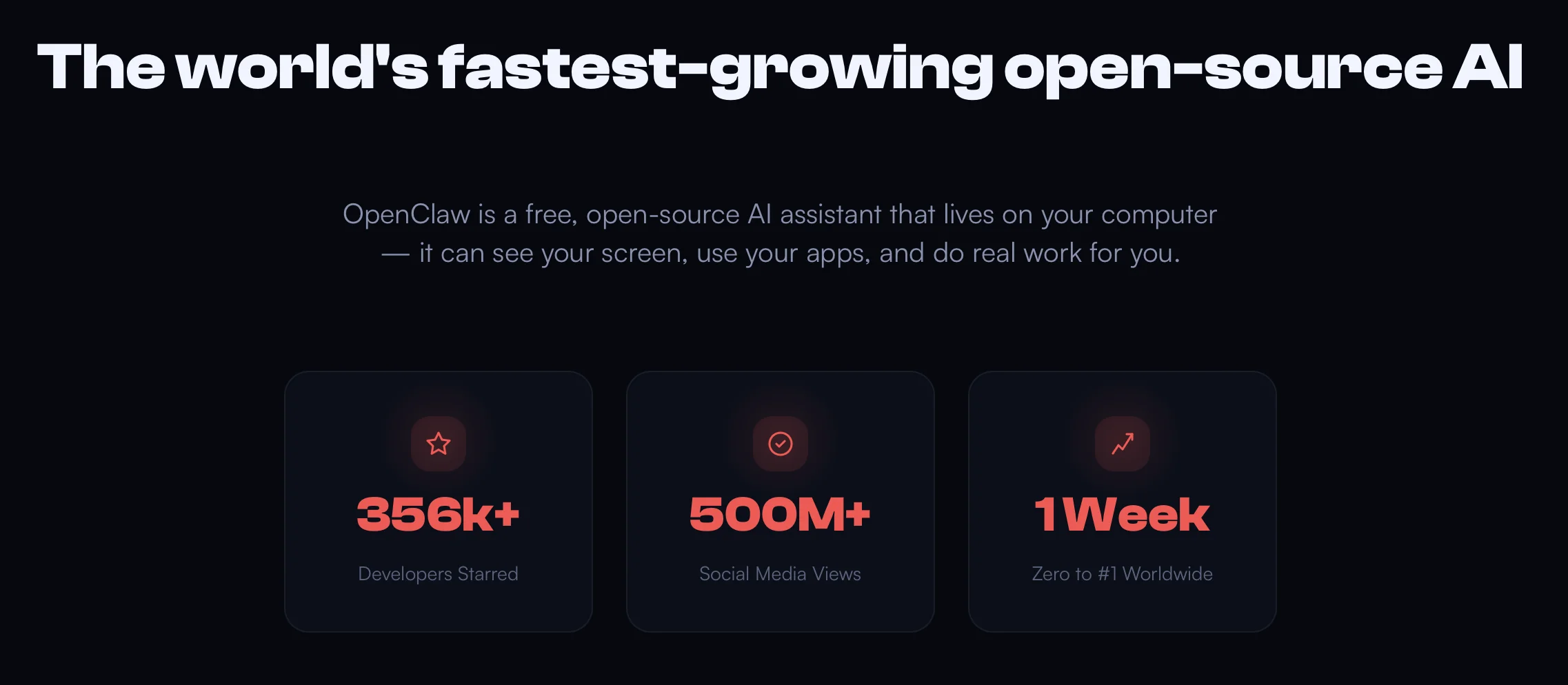
MoltBot is a multi-purpose AI agent that got over 340K stars on GitHub. The project is fully open-source and released under the MIT license. It has 23,799+ code contributions and over 600 involved developers.
Just hype or a real breakthrough? The One Partners team analyzed, studied the features, and looked for pitfalls.
n8n, ICON …: what are AI agents like now?
The vast majority of AI agents that perform routine tasks for buyers are platforms that work on the trigger → action principle. For example, n8n handles integrations and APIs well, while ICON generates large volumes of text, answers, and visuals.
If you compare them with MoltBot, the latter, at first glance, seems to be a mix of Claude AI, basic automation (like cron — a Unix/Linux task scheduler that runs scripts on a schedule), and a convenient UI. Compared to other tools, MoltBot is more balanced: it uses the best of what the market offers, covering the full range of buyers' needs.
The secret of popularity: why is MoltBot special?
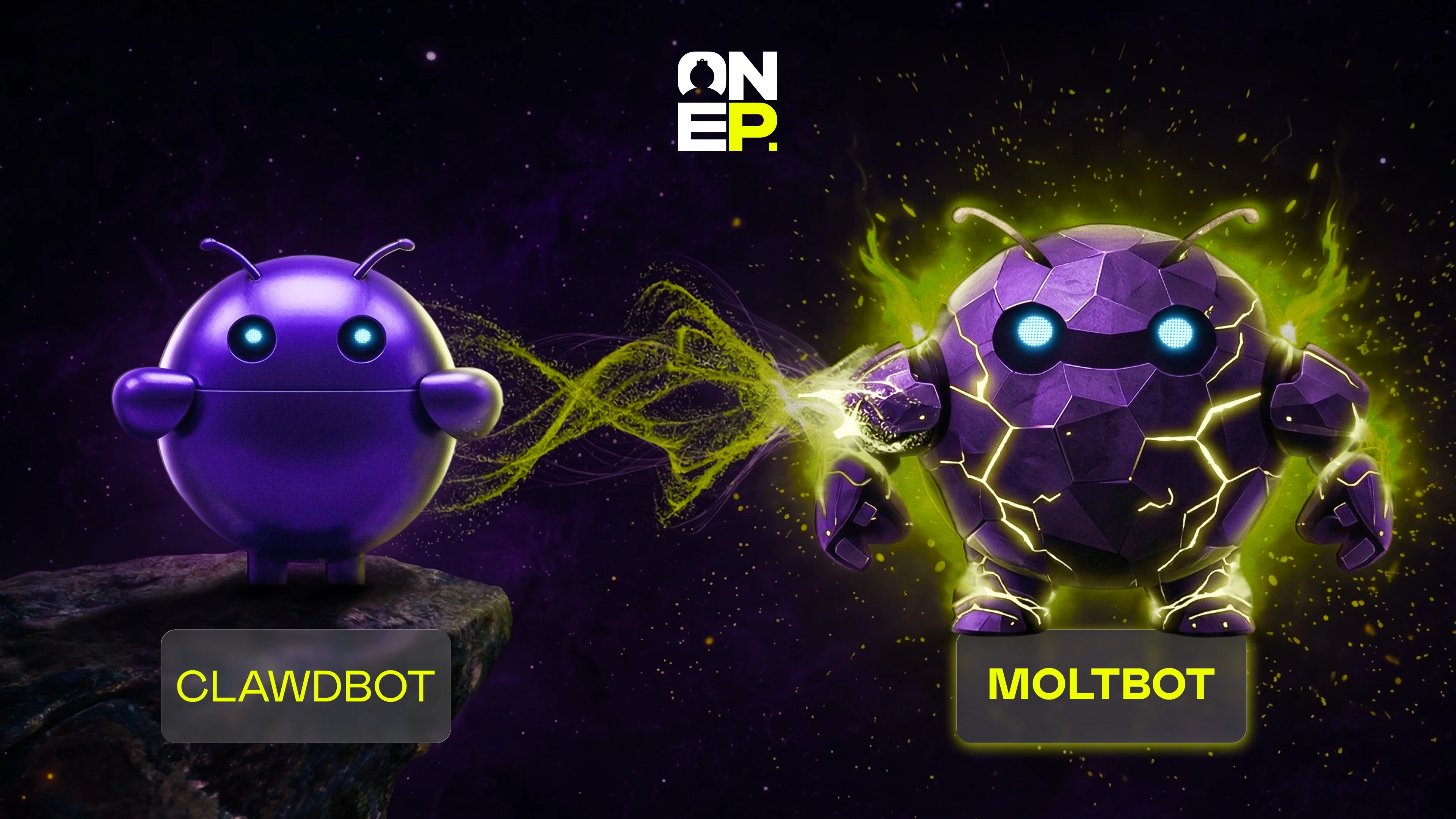
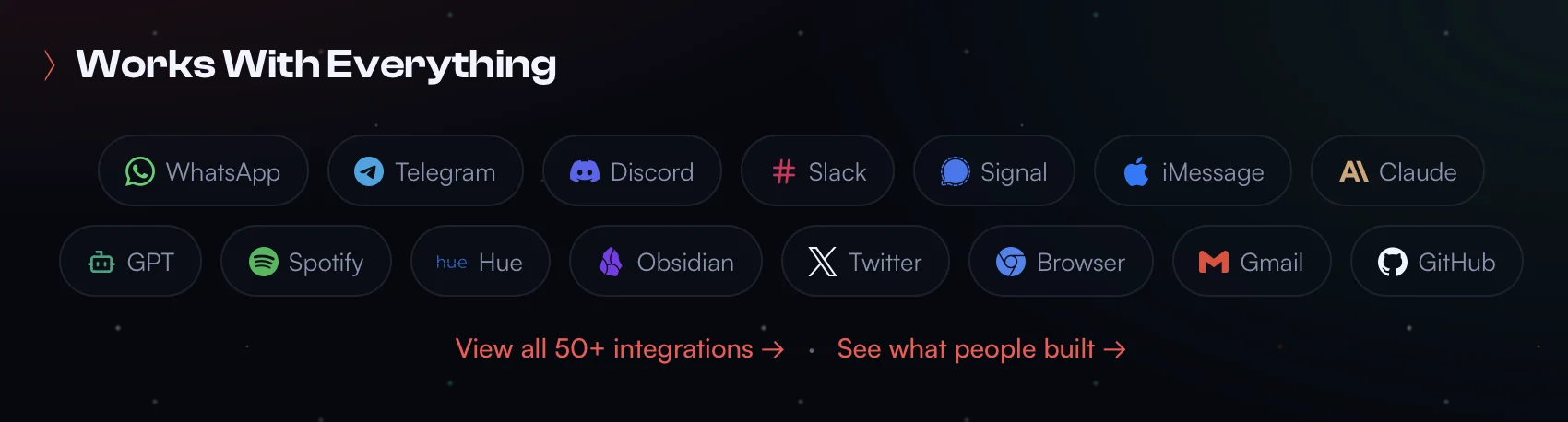
MoltBot (aka OpenClaw or ClawdBot in the past) runs directly on your device, not in the browser, and integrates with a variety of platforms, including LLMs.
Unlike other similar services, it stores the context and the user's preferences as local Markdown files, learning every session. With MoltBot, you simply write a request to an agent in TG (or another messenger convenient for you, even in Discord) and wait for the result. This proactive agent will write first.
Price: generally free, but requires API to work (usually $70-150/month for active use or $30-70/month for occasional use)
Working principles
It was developed with macOS in mind, but can also be installed on Windows via WSL2.
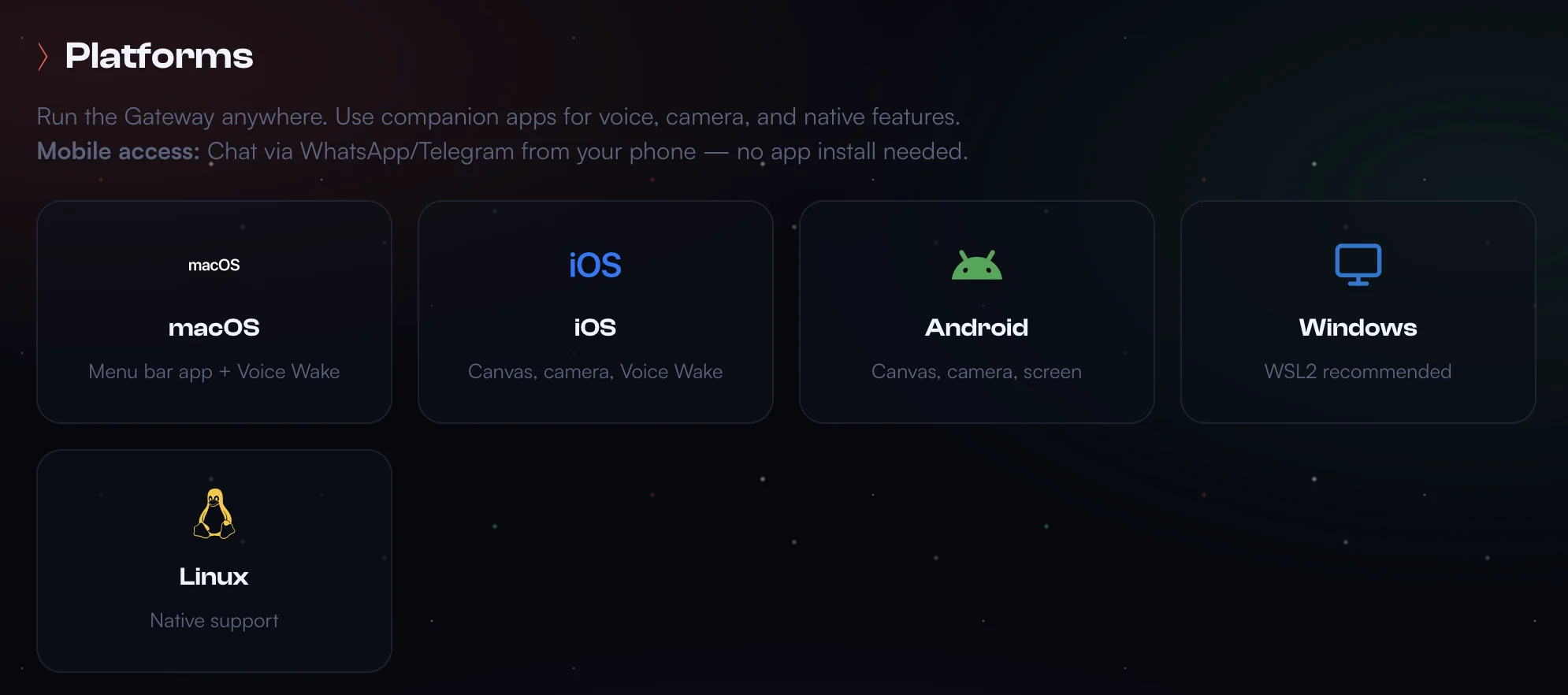
"If you install MoltBot on Windows, you have to tinker a bit, but there is nothing critical. Native Windows is not supported, so there is only one way — you need WSL2, and it doesn't matter whether you have Windows 11 or 10," comment the team leaders of the One Partners technical department.
Step-by-step guide:
Install WSL2 (and Ubuntu by default) via PowerShell as admin
wsl --install
Confirm that WSL2 is now working:
wsl --list --verbose (Ubuntu should output "VERSION 2")
Full installation instructions are on the Microsoft website, in case you have any problems at this stage
Open an existing Ubuntu terminal and install Node.js. You can use the NodeSource repository method to do this
curl -fsSL https://deb.nodesource.com/setup_22.x | sudo -E bash -
sudo apt-get install -y nodejs
Confirm the version:
node -v
# Must show v22.12.0 or higher
Run Moltbot Installer via WSL2 Ubuntu terminal, be sure to include the exec bash command — otherwise the terminal will not recognize MoltBot commands, even if it is installed
curl -fsSL https://molt.bot/install.sh | bash
exec bash # Reload shell to recognize new PATH
Finish onboarding. This will configure systemd, which absolutely requires WSL2 for full operation
moltbot onboard --install-daemon
If you have any questions or encounter any problems, we recommend this guide.
Working transparency is also ensured by Canvas (A2UI) technology – a visual panel on which you can build a flowchart – a sequence of agent actions – without having to code. One block = one operation; you can connect blocks, set conditions (if/else), loops and triggers.
Everything you need to know about skills
The tool has many plugins and extensions (the official website states 500+, while some catalogues generally display 4K+), which can be configured and combined. Inside, a skill is a folder with the SKILL.md file (YAML metadata + instructions for the agent) and additional scripts/files/etc. You can create a skill even without coding using Skill-creator by describing what you need. For example: "create a skill that will automatically upscale 15-second videos in SD/HD quality to 2K". The results, however, vary in quality.
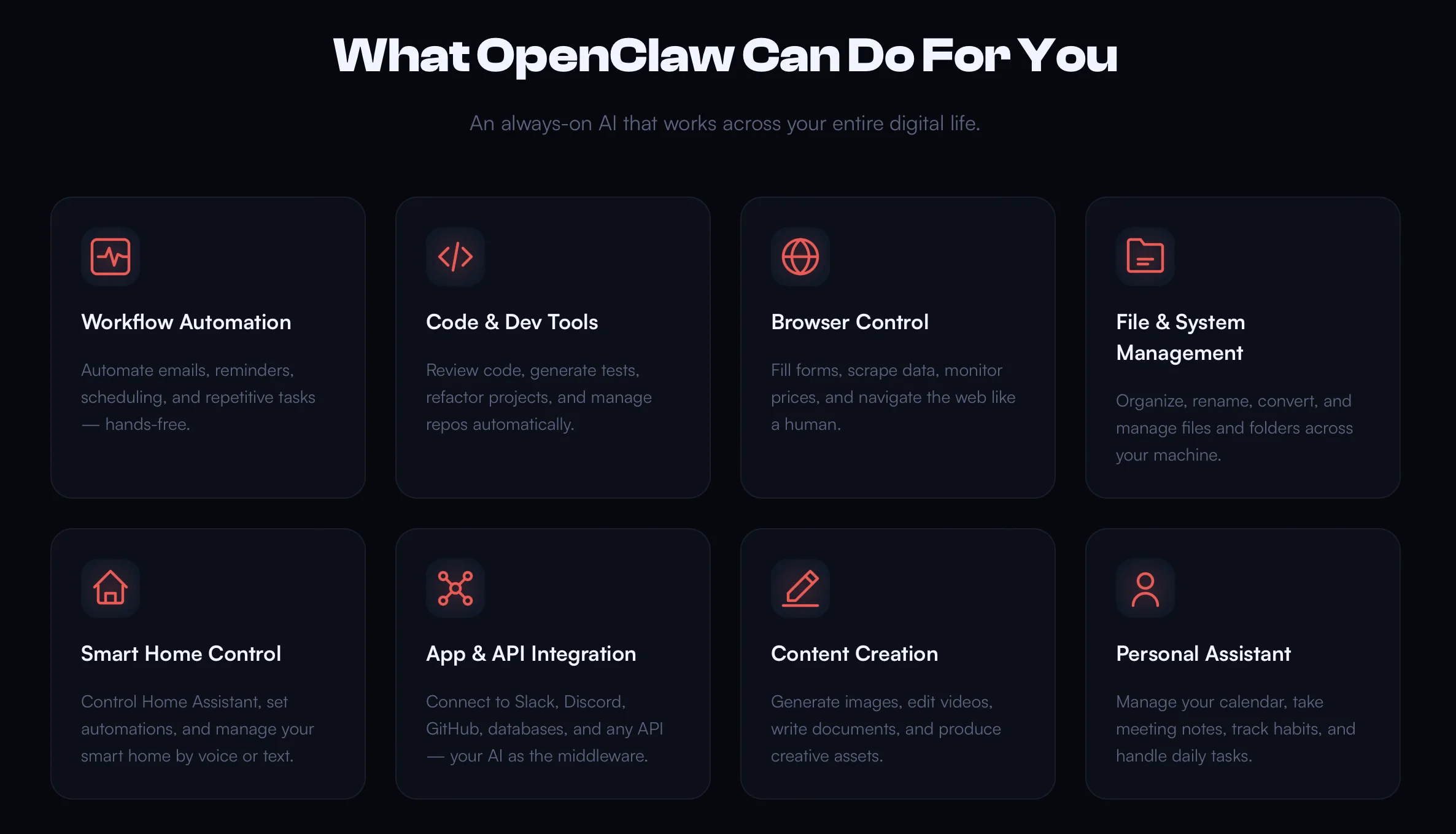
You can also (with caution) use skills from GitHub, from ClawHub itself (a small skill library: upon request, the agent will find and pull up the necessary skills), or you can write them from scratch yourself.
The language of the skills code depends on the bot engine (Java, Python…), and the skill itself has a modular structure with certain triggers.
How to write your own?
You must have access to the MoltBot developer tools and API documentation, as well as all the SDKs and dependencies provided by MoltBot, installed
The skill logic is as follows:
Define a short trigger command
Implement a logical response, such as performing calculations, etc.
Test the skill immediately or simulate the necessary interactions so that there are no bugs
Upload the skill to the MoltBot platform or integrate it into your server/bot format; manage access and triggers as needed
Security issues and known anticases
Main risk: MoltBot getaway attack.
A notable example: the vulnerability CVE-2026-25253, which has already been fixed. It was a one-click leak of the main authentication token: the agent visited a dangerous site, or the user clicked an unverified link — that's it: the gateway management rights were revoked.
Even the developer honestly admitted that working with MoltBot, especially on the main computer, is risky. The agent can gain access to commands with administrator rights if the buyer has not taken the necessary measures.
Here's how to work with MoltBot properly:
Run MoltBot locally (local hosting), not via VPS (the more isolated the environment, the better)
Never connect your email to the agent (in the worst case, the agent risks receiving commands that are not yours), and do not provide access to SSH keys
Do not use random GitHub repositories and do not install unreliable extensions
"Despite the above-mentioned ways to protect yourself, this agent has many fundamental problems that cannot be solved in two clicks. One of them is the LLM's inability to properly separate commands and data, which allows \"prompt injection\" from the outside. And even if we talk about authentication being disabled by default," the team answers.
Will the highly specialized AI tools fall off?
"The short answer is no. Yes, MoltBot really orchestrates them, and the result is ok. But if you need quality, exact compliance with the prompts, you should directly contact ElevenLabs or Midjourney. I would say this: MoltBot is for quick tests and superficial analysis, while specialized AI tools are deeper. There is more control here, and you are more confident in the result. So, for now, we are working the old way in this matter," is the opinion of the One Partners media buying team leaders.
What AIs do our media buying teams actually use?
"We use AI a lot, of course, to create creatives and visuals: Gemini, Runway, and Powtoon… We're very used to Gemini, from Gemini CLI to Veo 3.1; it always shows excellent results. However, if you want to be among the leaders, you can't use the same tool all the time.
The current market situation is such that all services compete, top solutions are approximately on the same level, but in some aspect, someone stands out. That's how everyone was surprised that the new version of Kling is so cool. You wouldn't guess here. There, it's better to remove details from the video; here, it's the best upscaling; there, the subtitles are top-notch; here, you can develop any AI avatars you want… All this needs to be constantly tested; you gotta return to what you've even forgotten. Adaptability and attention to trends are our everything," admits the One Partners team.
Conclusion
MoltBot is a tool worthy of every media buyer's attention. They even say that this is the first step towards AGI — "strong AI" that can think like a human. A bold assumption, but we do not deny MoltBot's versatility. As well as its security problems. Statistics have shown that an agent saves 10-30 working hours per week, taking over routine tasks.
So, One Partners is convinced: multi-agents will become indispensable in the future (we leave room here for your joke about "AI will soon take my job"). So let's carefully monitor market trends and avoid hasty conclusions about the unsuitability of such tools due to access to sensitive data.